PDF to linkupload a PDF, share one URL
Upload your PDF and get an https link that opens in any browser, a QR code for print, and a count of how many times it was opened.
- Opens in any browser
- QR code included
- View counts
- Free SSL


How to turn a PDF into a link
Three steps and about a minute. The link works on phones and computers, no app and no sign-in for the people you send it to.
Not a PDF?
- 1
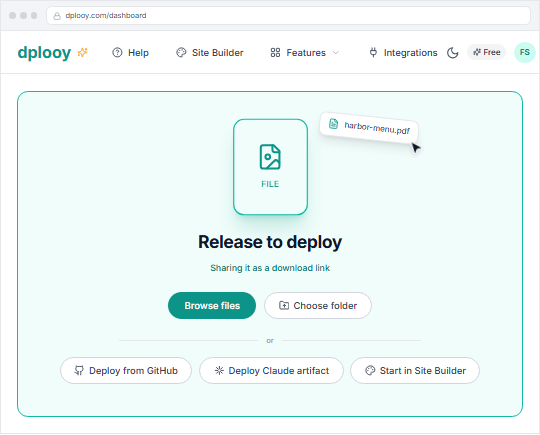
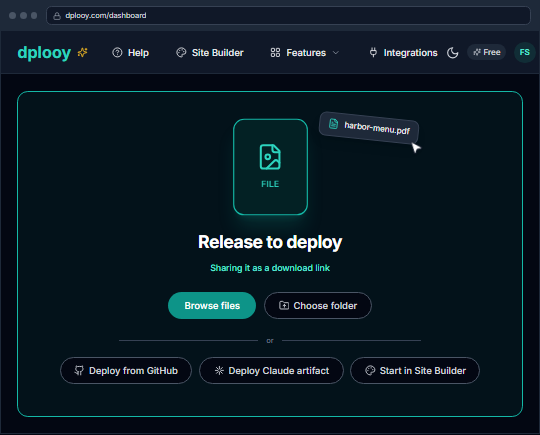
Drop the PDF onto the dashboard
Drop the PDF onto the dashboard, or press Browse files and pick it. dplooy sees it is a file and gets it ready to share as a link.
- 2
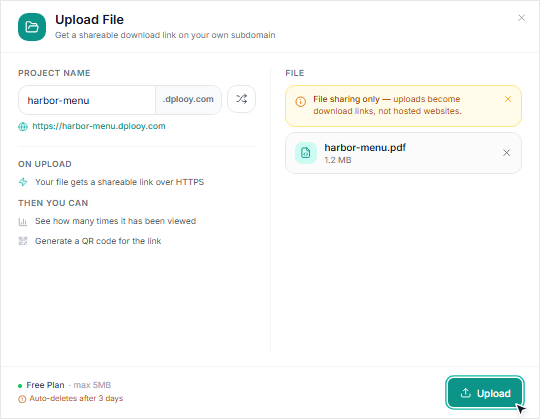
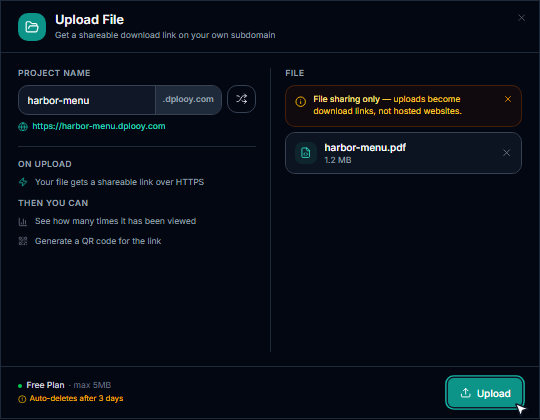
Name the link and upload
In the Upload File dialog, choose the address, name.dplooy.com, and press Upload. The PDF is live over https straight away.
- 3
Share the link or its QR code
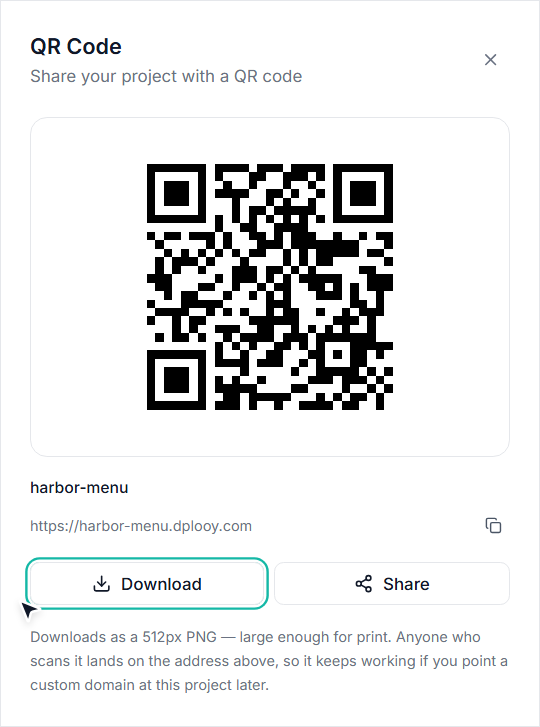
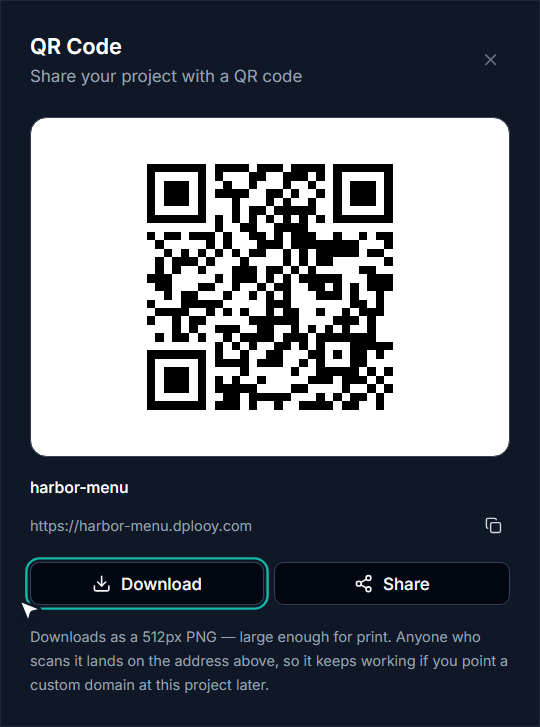
Paste the link anywhere: a message, an email, a bio. For print, open the project, choose QR and download the code as a 512px PNG.


PDF link vs email attachment
An attachment is a copy in every inbox. A link is one PDF that everyone opens.
| Feature | PDF link | Attachment |
|---|---|---|
| Paste it in a bio, a text or a post | ||
| Print it as a QR code | ||
| See how many times it was opened | ||
| Not held back by email size limits |
PDF to QR code for menus, flyers and more
Every PDF link comes with a QR code. These are the places people put them.
- Restaurant menus
- A QR code on every table that opens the menu on the guest's phone. No app needed.
- Resumes and CVs
- One link in every application and on your LinkedIn, instead of an attachment.
- Flyers and posters
- Print the QR code on the flyer and the full details are one scan away.
- Price lists and catalogs
- Send customers one address for the list instead of an attachment.
- Event programs
- A schedule guests open on their phones from a QR code at the door.
- Reports and handouts
- Share a long document in a chat without hitting an attachment limit.
PDF links on each plan
A shared PDF counts as one of your projects. On Free it stays online for 3 days; Plus and Pro keep it for good.
| Specification | Free$0 | Plus$4.99/mo | Pro$12.99/mo |
|---|---|---|---|
| Max PDF size | 5 MB | 50 MB | 100 MB |
| Link stays online | 3 days | Never expires | Never expires |
| Projects at once | 3 | 25 | Unlimited |
| Account storage | 50 MB | 500 MB | 5 GB |
| https link on dplooy.com | |||
| QR code | |||
| View count |
PDF to link: questions
How do I convert a PDF to a link?
Drop the PDF onto your dplooy dashboard, choose an address like name.dplooy.com and press Upload. The PDF is live at that https address straight away, and you can share the link or its QR code.
Is it free to turn a PDF into a link?
Yes. The Free plan shares PDFs up to 5 MB, with no credit card. Free links stay online for 3 days; Plus ($4.99/mo) and Pro ($12.99/mo) keep them online for good and take larger files.
Does the PDF open in the browser or download?
It opens in the browser's own PDF viewer, on phones and computers alike. Anyone who wants a copy can still download or print it from the viewer.
How big can my PDF be?
Up to 5 MB on Free, 50 MB on Plus and 100 MB on Pro.
How long does a PDF link last?
On the Free plan the link stays online for 3 days, and the file is removed 7 days after that. On Plus and Pro it never expires.
Can I make a QR code for my PDF?
Yes. Every link gets a QR code: open the project, choose QR and download it as a 512px PNG, large enough for print. Anyone who scans it lands on the PDF.
Can I see how many people opened my PDF?
Yes. The project's Analytics show how many times the link has been viewed, on every plan.
Do people need an account to open the PDF?
No. Anyone with the link or the QR code can open it, no sign-in and no app.
Can I password-protect a PDF link?
Not a shared file today. Password protection (Plus and Pro) is for hosted websites, so a PDF link is open to anyone who has it.
Can I share images or a ZIP the same way?
Yes. Images open in the browser just like a PDF. A ZIP shared as a file downloads to the visitor's computer, or you can choose ZIP to site and host the website inside it.
Your PDF, one link away
Upload it, share the link or the QR code, and see how many times it is opened. Free to start, no credit card.